As a small business owner, managing your finances can often feel overwhelming. You have to keep track of income, expenses, taxes, payroll, and much more – all while focusing on running your business. This is where accounting software can make a world of difference.
Accounting software is designed to automate and streamline many of the tedious and time-consuming tasks that come with managing your business’s finances. From tracking expenses to generating financial reports, using accounting software can save you time, reduce errors, and help you stay compliant with tax regulations. But with so many options available, how do you know which one is right for your business? In this guide, we’ll break down everything you need to know about accounting software, including its benefits, key features, and the best options available for small business owners.
What is Accounting Software?
Definition and Purpose
Accounting software is a digital tool designed to help business owners manage their financial transactions, track income and expenses, generate invoices, and produce financial reports. It automates many of the tasks that were once done manually, such as calculating taxes, tracking payments, and reconciling bank statements.
The purpose of accounting software is to simplify financial management, making it more accessible for small business owners without a background in accounting. Whether you’re just starting out or looking to upgrade your current system, accounting software helps you stay on top of your finances and make informed decisions.
How It Works for Small Business Owners
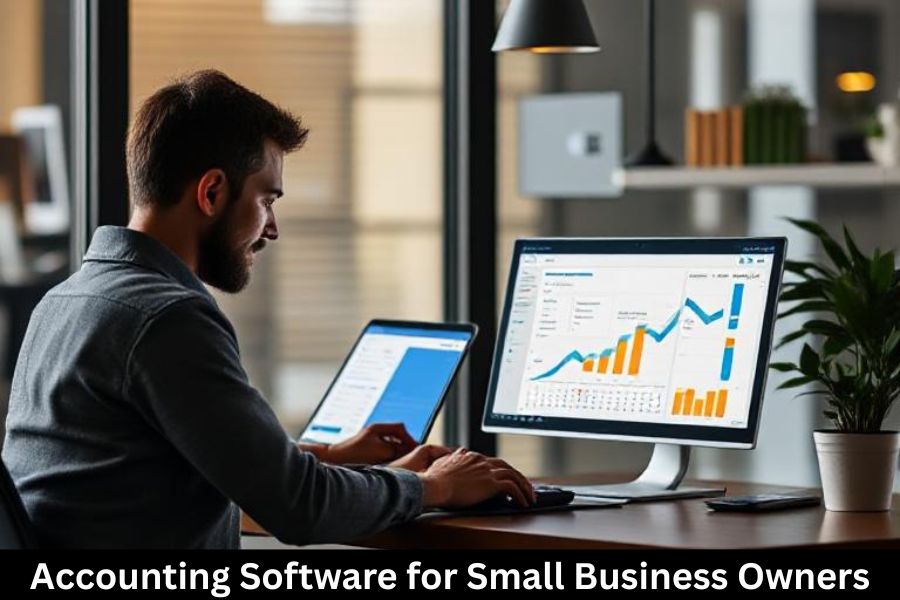
Accounting software works by connecting to your business’s bank accounts and credit cards, recording transactions, categorizing expenses, and generating reports. You can manually input transactions or use automation features like bank feeds to make the process faster and more accurate.
For small business owners, the software also offers features like invoicing, payroll management, tax calculation, and the ability to generate reports for tax purposes or to assess the financial health of the business.
Why Every Small Business Needs Accounting Software
Time Savings and Efficiency
One of the biggest advantages of using accounting software is the time it saves. Instead of spending hours calculating taxes, tracking expenses, and reconciling bank statements manually, you can automate much of the process. This leaves you more time to focus on running and growing your business.
Financial Accuracy and Compliance
Accounting software helps ensure that your financial records are accurate and up-to-date, reducing the risk of errors that could lead to costly mistakes. Additionally, many accounting software programs come with built-in tools for tax compliance, making it easier to calculate and file taxes correctly.
Key Features to Look for in Accounting Software
When selecting accounting software for your small business, it’s essential to choose one that meets your needs. Here are some key features to look for:
Ease of Use
Your accounting software should be user-friendly, even if you don’t have a background in finance. A simple, intuitive interface will make it easier for you to navigate and complete tasks without feeling overwhelmed.
Integration with Other Tools
Look for software that integrates seamlessly with your other business tools, such as your customer relationship management (CRM) software, payment gateways, and inventory management systems. This makes it easier to track all of your business data in one place.
Invoice Management
Being able to create and send professional invoices quickly and easily is crucial for small businesses. Accounting software should allow you to customize invoices, track payments, and send reminders for overdue payments.
Financial Reporting and Tax Preparation
Good accounting software will generate financial reports such as profit and loss statements, balance sheets, and cash flow reports. It should also assist with tax preparation by calculating sales tax, income tax, and other applicable taxes for your region.
Best Accounting Software for Small Businesses
Here are some of the top accounting software options for small business owners:
QuickBooks Online
QuickBooks Online is one of the most popular accounting software choices for small businesses. It offers a wide range of features, including invoicing, expense tracking, payroll, and tax preparation. It’s ideal for businesses of all sizes and integrates with a variety of third-party tools.
FreshBooks
FreshBooks is a cloud-based accounting solution that is perfect for small businesses and freelancers. It’s known for its user-friendly interface and strong invoicing capabilities. It also provides features for time tracking, expense management, and project management.
Xero
Xero is another great choice for small business owners, particularly those with growing businesses. It offers unlimited users on all plans, making it ideal for teams. Xero also integrates with over 800 apps, providing flexibility for your accounting needs.
Wave
Wave is a free accounting software solution designed for small businesses. While it doesn’t offer as many advanced features as other paid options, it’s a great choice for startups and solopreneurs. It includes invoicing, expense tracking, and basic financial reporting.
Zoho Books
Zoho Books is a feature-rich accounting software with tools for invoicing, expense tracking, project management, and inventory management. It’s perfect for businesses that need a comprehensive solution at an affordable price.
How to Choose the Right Accounting Software for Your Business
When selecting accounting software for your business, here are a few factors to consider:
Understanding Your Business Needs
Each business is different, so it’s important to evaluate what features you need. Do you need advanced reporting tools? Are you managing inventory? Do you need a payroll system? Consider your business’s size and complexity when choosing software.
Budget Considerations
Accounting software can range from free to premium-priced options. While free software like Wave is suitable for very small businesses, paid options offer more features and better support. Determine your budget before making a decision.
Scalability and Growth
Choose software that can grow with your business. Look for options that allow you to upgrade your plan or add new features as your business expands.
How to Set Up Accounting Software for Your Business
Initial Setup: Creating Accounts and Connecting Bank Feeds
The first step in setting up accounting software is to create your account and link it to your business bank accounts and credit cards. This allows the software to automatically import and categorize your transactions.
Setting Up Your Chart of Accounts
A chart of accounts is a list of categories for your business’s financial transactions. Setting this up correctly ensures that your income, expenses, and assets are tracked accurately.
Customizing Invoices and Reports
Most accounting software allows you to customize your invoices with your company’s logo and colors. You can also adjust the reporting features to show the data most important to you.
Common Mistakes Small Business Owners Make with Accounting Software
Failing to Regularly Update Financial Data
One of the biggest mistakes business owners make is not updating their financial data regularly. This can lead to discrepancies and errors in your financial reports. Make sure to enter transactions frequently, even if it’s just once a week.
Not Integrating with Other Business Tools
Many small businesses use other software for inventory, CRM, and payroll. Not integrating your accounting software with these tools can lead to inefficiencies and duplicated efforts. Always look for software that integrates with the tools you already use.
Overcomplicating the Setup Process
Some business owners try to customize their accounting software too much during the setup process, which can lead to confusion and errors. Stick with the basic setup, and gradually add customizations as needed.
Benefits of Using Accounting Software for Small Businesses
Enhanced Financial Visibility
Accounting software gives you a real-time view of your financial health. You can quickly see your cash flow, income, and expenses, which helps you make informed business decisions.
Better Cash Flow Management
By automating invoicing and expense tracking, accounting software helps ensure that you get paid on time and that your bills are paid promptly. This leads to improved cash flow management and fewer financial headaches.
Improved Decision-Making
With accurate and up-to-date financial data, you can make better decisions regarding pricing, investments, and growth strategies.
Security and Data Protection in Accounting Software
Protecting Sensitive Financial Data
Security is critical when it comes to financial data. Most accounting software providers offer encryption, multi-factor authentication, and regular backups to protect your business’s sensitive information.
Cloud-Based vs. On-Premise Software
Cloud-based software allows you to access your financial data from anywhere, while on-premise software stores everything on your local computer. Cloud-based solutions tend to be more secure and offer better support for remote teams.
Integrating Accounting Software with Other Business Tools
CRM Systems and Inventory Management
Integrating your accounting software with CRM and inventory management systems can streamline your processes and eliminate the need for duplicate data entry. This creates a more efficient workflow for your business.
Payroll Software and Payment Gateways
Many accounting software solutions integrate with payroll systems, making it easy to pay employees and contractors. Payment gateways like PayPal and Stripe also integrate with most accounting software, allowing for seamless transactions and reporting.
Training and Support: How to Get the Most Out of Your Accounting Software
Tutorials and Online Resources
Most accounting software providers offer online tutorials, help centers, and user guides. These resources are invaluable when you’re just getting started.
Customer Support and Community Forums
If you run into issues, customer support is often available via chat, phone, or email. Additionally, many software platforms have user communities where you can ask questions and share tips.
The Future of Accounting Software for Small Businesses
Artificial Intelligence and Automation
The future of accounting software looks bright, with artificial intelligence (AI) and automation playing a bigger role. In the coming years, we can expect more automation in areas like invoice generation, financial reporting, and tax filing.
Cloud Accounting and Remote Access
Cloud-based accounting software allows you to access your financial data from anywhere, making it easier for business owners to manage finances on the go.
Conclusion
Using accounting software is one of the best decisions a small business owner can make. It simplifies financial tasks, ensures accuracy, and saves time. Whether you’re just starting out or looking to upgrade your current system, there’s an accounting software solution that fits your needs and budget.
By choosing the right software, setting it up correctly, and integrating it with other business tools, you’ll be able to stay on top of your finances and focus more on growing your business.
Frequently Asked Questions (FAQs)
1. What is the best accounting software for a small business?
It depends on your business needs. Popular options include QuickBooks Online, FreshBooks, and Xero. Each has different features, so consider what suits your business best.
2. Can I use accounting software for tax filing?
Yes, many accounting software programs help calculate taxes and generate tax reports, making tax filing easier.
3. Is accounting software expensive?
There are both free and paid options available. Wave, for example, is free, while QuickBooks and Xero have monthly fees.
4. How secure is my financial data with accounting software?
Most accounting software providers offer encryption and regular backups to protect your financial data.
5. Can I use accounting software without an accounting background?
Yes! Many accounting software programs are designed to be user-friendly, even for those without accounting experience.